

Does iPhone 12 Support eSIM? Compatibility, Dual SIM & Setup Guide
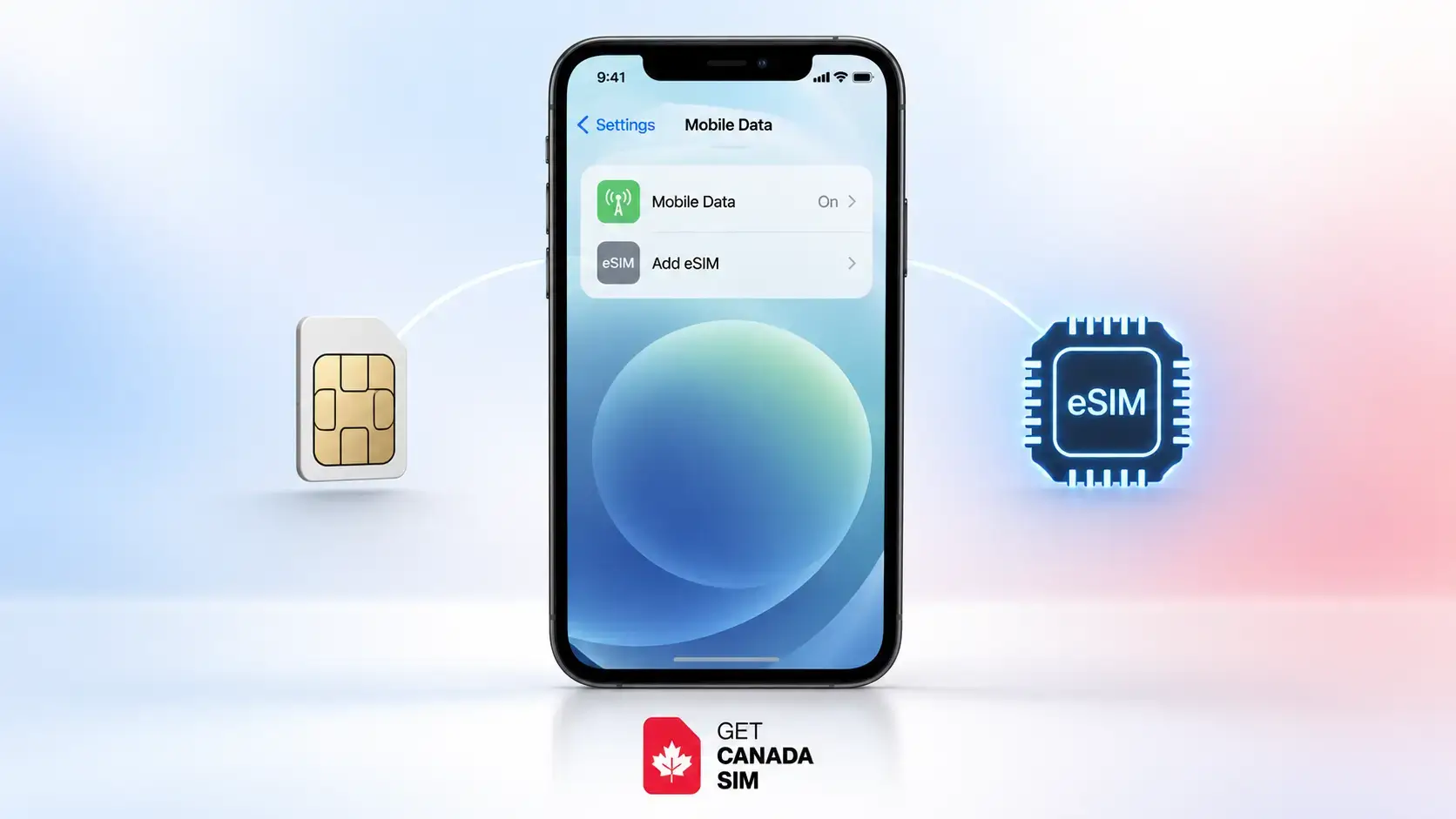
Yes, the iPhone 12 supports eSIM in most countries and regions. This includes the iPhone 12, iPhone 12 mini, iPhone 12 Pro, and iPhone 12 Pro Max.
On a standard eSIM-compatible iPhone 12, you can use one physical nano-SIM and one eSIM at the same time. This is useful if you want to keep your existing number while adding another mobile plan for work, travel, or a move to another country.
If you are planning to use one when travelling, it can also help to understand how an eSIM works in Canada, including what to check before choosing a plan.
There is one important catch: not every iPhone 12 sold worldwide has the same SIM configuration. Some models sold in mainland China, Hong Kong, or Macao use different SIM arrangements, so checking where your phone was originally sold matters.
Last reviewed: September 8, 2026
Quick answer: Does the iPhone 12 support eSIM?
| Question | Answer |
|---|---|
| Can the iPhone 12 support eSIM? | Yes, in most regions |
| Does iPhone 12 mini support eSIM? | Yes, in supported regions |
| Does iPhone 12 Pro support eSIM? | Yes, in supported regions |
| Is iPhone 12 Pro eSIM compatible? | Yes |
| Physical SIM supported? | Yes on standard iPhone 12 models |
| Physical SIM + eSIM together? | Yes |
| Two eSIMs active together? | No |
| Multiple eSIM profiles stored? | Yes |
| eSIM supported worldwide? | Not universally |
Apple lists the entire iPhone 12 family among its eSIM-capable phones. However, carrier support and regional versions still matter.
If you want to verify the device yourself instead of relying only on the model name, follow this guide on how to know if your phone supports eSIM. It explains how to check the EID, eSIM settings, model number, and regional variations.
Do the iPhone 12 models support eSIM?
Yes. If you are asking “Do the iPhone 12 models support eSIM?”, Apple lists all four models:
- iPhone 12
- iPhone 12 mini
- iPhone 12 Pro
- iPhone 12 Pro Max
So whether you're wondering “does iPhone 12 mini support eSIM?”, “does iPhone 12 Pro support eSIM?”, or “is iPhone 12 Pro eSIM compatible?”, the answer is generally yes.
But hardware region matters. Before buying an eSIM plan, especially for an older or second-hand iPhone, check the exact device rather than assuming every iPhone 12 works identically.
If you are deciding which SIM format makes more sense for your situation, see this practical comparison of eSIM vs physical SIM.
Does iPhone 12 have eSIM or physical SIM?
For most versions, the answer is both.
The standard iPhone 12 configuration supports:
1 physical nano-SIM + 1 eSIM
That means the question “does iPhone 12 have eSIM or physical SIM?” does not have to be an either/or choice. You normally have access to both technologies.
An eSIM is simply a digital SIM stored inside the phone. Instead of inserting a plastic SIM card, your carrier provides the mobile plan digitally.
This can be particularly useful when travelling because you may be able to leave your normal physical SIM inside your phone and add another plan through eSIM.
Does iPhone 12 support eSIM and physical SIM at the same time?
Yes.
If you are wondering “does iPhone 12 support eSIM and physical SIM at the same time?” or “Can the iPhone 12 use eSIM and a physical SIM together?”, this feature is called Dual SIM.
Apple confirms that iPhone 12 supports Dual SIM using:
one physical SIM + one eSIM.
For example, you could have:
| Physical SIM | eSIM |
|---|---|
| Your existing/home number | Another mobile plan |
| Personal number | Work number |
| Home-country SIM | Travel/local plan |
Both lines can remain set up on the phone, although your iPhone uses only one cellular data network at a time.
If you are thinking about keeping your current number while adding a Canadian line, the Dual SIM in Canada setup guide explains how to configure both lines and avoid accidental roaming.
iPhone 12 eSIM: how many can you use?
The search “iPhone 12 eSIM how many” can mean two different things: how many eSIMs you can save and how many can be active.
How many eSIMs can be active?
On an iPhone 12, you can use one active eSIM alongside one physical SIM.
You cannot have two eSIM lines active simultaneously on an iPhone 12.
Apple introduced support for two active eSIMs with the iPhone 13 family and later compatible models.
Can you store more than one eSIM?
Yes. Compatible iPhones can store multiple eSIM profiles, so you may be able to keep several plans saved and switch between them when required.
The important distinction is:
Stored eSIMs ≠ active eSIMs.
Your iPhone 12 can store multiple profiles, but it is a single-active-eSIM generation.
How to activate eSIM in iPhone 12
If your phone and carrier support it, activating an eSIM normally takes only a few steps.
Method 1: Scan an eSIM QR code
This is one of the most common methods.
- Connect your iPhone to Wi-Fi.
- Open Settings.
- Tap Cellular or Mobile Data.
- Tap Add eSIM or Set Up Cellular.
- Choose Use QR Code.
- Scan the QR code supplied by your carrier.
- Follow the on-screen instructions.
- Check that the new line appears under Cellular settings.
Apple also supports carrier activation, carrier apps, manual details and supported phone-to-phone transfers.
If you want the full process with troubleshooting steps, follow the Canadian eSIM activation guide.
How do I enable eSIM on my iPhone 12?
People often ask both “how do I enable eSIM on my iPhone 12?” and “How do I enable eSIM on my iPhone 12?”
There isn't normally a separate eSIM switch that you turn on before buying a plan.
Instead, go to:
Settings → Cellular/Mobile Data → Add eSIM
You then need activation information from an eSIM-supporting carrier.
Depending on the carrier, this might be:
- a QR code
- automatic carrier activation
- an activation link
- a carrier app
- manual eSIM details
- transfer from another supported phone
After installation, open Settings → Cellular and make sure the new line is switched on.
How do I convert my iPhone 12 to an eSIM?
If you currently have a physical SIM, you may be wondering “how do I convert my iPhone 12 to an eSIM?” or “How do I convert my iPhone 12 to an eSIM?”
You are not actually converting the phone. You are converting the mobile line associated with the physical SIM into an eSIM.
If your carrier supports this feature:
- Open Settings.
- Tap Cellular.
- Tap your physical SIM line.
- Look for Convert to eSIM.
- Follow the instructions from Apple and your carrier.
The option will not appear with every carrier. Converting a physical SIM to eSIM depends on carrier support.
A practical warning before switching an iPhone 12 or older to eSIM
Do not remove, destroy, or discard your physical SIM immediately.
First confirm that the eSIM has successfully activated. Test:
- cellular data
- outgoing calls, if included in your plan
- incoming calls
- SMS, if included
- the correct phone number
- your preferred cellular-data line
If something goes wrong during conversion, having the original SIM available may make troubleshooting with your carrier easier.
Also remember that an iPhone 12 cannot run two active eSIMs simultaneously. If your reason for converting is to use two eSIM lines at once, converting the physical SIM will not give the iPhone 12 the same Dual-eSIM capability as an iPhone 13 or newer compatible model.
Why is my iPhone 12 not showing eSIM?
This is where many people get confused.
If you're searching “why is my iPhone not showing eSIM?”, the phone being an iPhone 12 does not automatically mean something is broken.
Here are the most useful checks.
1. Check for “Add eSIM”
Open:
Settings → Cellular
Look for Add eSIM or Set Up Cellular.
If it appears, your phone is recognizing its eSIM functionality.
2. Check for an EID
Open:
Settings → General → About
Scroll down and look for EID.
The EID is an identifier associated with your phone's eSIM hardware. It can also be useful when speaking to your carrier.
3. Check where your iPhone was originally sold
This is especially important with used phones.
Some iPhone models made for mainland China, Hong Kong, or Macao have different SIM configurations.
For example, mainland-China iPhone 12, 12 Pro, and 12 Pro Max variants can use two physical nano-SIM cards, rather than the normal physical-SIM-plus-eSIM configuration.
4. Check whether your carrier supports eSIM
The phone may support eSIM while your carrier, account, or specific mobile plan does not.
Those are two separate questions:
Does my phone support eSIM?
and
Can my carrier activate an eSIM on this phone?
Both need a yes.
5. Connect to Wi-Fi
You generally need an internet connection when setting up an eSIM. Connect to a stable Wi-Fi network before trying again.
6. Update iOS
Install the latest version of iOS available for your iPhone 12. Software or carrier-setting updates can resolve activation problems.
7. Try basic troubleshooting
Try:
- turning Airplane Mode on and off
- checking whether the line already appears under Cellular
- switching the affected line off and back on
- restarting the iPhone
- checking for carrier-setting updates
8. Check whether the phone is carrier locked
If you're trying to use SIMs from two different carriers, the iPhone generally needs to be unlocked.
If you are unsure, follow the guide on how to check and unlock your phone before travelling to Canada.
Why your iPhone 12 may not show eSIM
So, if the specific question is “Why is my iPhone 12 not showing eSIM?”, work through these possibilities in this order:
- Regional iPhone model does not support the expected eSIM configuration.
- Your carrier does not support eSIM.
- Your particular plan is not eligible.
- Your phone needs an iOS or carrier-settings update.
- Your iPhone is locked to another carrier.
- You are not connected to the internet during setup.
- The eSIM has already been added but the line is switched off.
- A carrier-side activation problem is preventing setup.
If none of these solves it, contact your carrier and have your IMEI and EID ready. Also note the exact error message you're seeing.
Is iPhone 12 eSIM compatible worldwide?
Not completely.
So the answer to “Is iPhone 12 eSIM compatible worldwide?” is no—not without conditions.
There are three separate things to check:
1. Does your exact iPhone 12 model support eSIM?
Most do, but regional variations exist.
2. Does your carrier support eSIM?
eSIM availability depends on the carrier and country.
3. Is your phone unlocked?
If you're travelling and want to add an eSIM from a different carrier, an unlocked device is normally required.
China is an important example of why the answer cannot simply be “yes worldwide.” Specific regional hardware and carrier rules can affect eSIM availability.
Before buying an international or Canadian eSIM, therefore, check the phone model and carrier compatibility first.
Does iPhone 11 support eSIM?
Yes. The iPhone 11 family also supports eSIM in supported regions.
So if you're asking:
- does iPhone 11 support eSIM
- is iPhone 11 support eSIM
- does iPhone 11 support eSIM and physical SIM
the practical answer is yes for compatible regional models.
Like the iPhone 12, the iPhone 11 can use one physical nano-SIM plus one eSIM for Dual SIM.
It does not support having two eSIMs active simultaneously.
Does iPhone 10 support eSIM?
If by “does iPhone 10 support eSIM” you mean the iPhone X, the answer is no.
The iPhone X uses a physical nano-SIM and does not have the eSIM support introduced with the later iPhone XS, iPhone XS Max, and iPhone XR generation.
So:
| iPhone | eSIM support |
|---|---|
| iPhone X | No |
| iPhone XR | Yes |
| iPhone XS / XS Max | Yes |
| iPhone 11 series | Yes |
| iPhone 12 series | Yes |
| iPhone 13 series | Yes, including two active eSIM capability |
Regional exceptions still apply.
Using Dual SIM on iPhone 12: a useful travel setup
One of the most practical reasons to use eSIM on an iPhone 12 is travel.
Instead of immediately removing your existing SIM, you could keep one line for your normal number and use the other for your destination.
For example:
Physical SIM: home-country number eSIM: Canadian/mobile travel line
Or the opposite arrangement if your home carrier is already using eSIM.
After both lines are installed, you can label them in your iPhone settings, such as:
Home Canada
You can then choose which line is used for cellular data and which number you prefer for calls and messages.
Be careful with data roaming on your home SIM, because keeping the SIM installed does not automatically prevent international roaming charges.
Before getting an eSIM for your iPhone 12
Take two minutes to check these things first:
- Confirm that you have an iPhone 12, 12 mini, 12 Pro, or 12 Pro Max.
- Go to Settings → General → About and look for an EID.
- Go to Settings → Cellular and look for Add eSIM.
- Check whether the iPhone is carrier unlocked if you're changing carriers.
- Confirm that your chosen carrier supports eSIM for your device and plan.
- Make sure you have internet access during activation.
- Keep your existing SIM until the new line is working.
- Decide which SIM will handle cellular data before travelling.
These checks are much more useful than relying only on the words “iPhone 12” in the model name.
Using an iPhone 12 when travelling to Canada
If you're preparing to use your iPhone 12 in Canada, checking eSIM support is only one part of compatibility.
You should also confirm:
- the phone is unlocked
- your exact model is compatible with the Canadian network you plan to use
- your SIM or eSIM option is supported
- you understand when and how the new line will activate
- you know which line will use mobile data
The phone compatibility and IMEI check guide covers the other checks worth making before departure.
Once compatibility is confirmed, you can compare current Canada SIM and eSIM plans rather than choosing a plan before knowing whether your phone can use it.
Frequently asked questions
Can the iPhone 12 support eSIM?
Yes. Most iPhone 12 models support eSIM alongside a physical nano-SIM. Regional versions are the main exception.
How to activate eSIM in iPhone 12?
Go to Settings → Cellular → Add eSIM and follow your carrier's activation method. It may use a QR code, carrier activation, an app, manual details, or a supported transfer.
Can the iPhone 12 use eSIM and a physical SIM together?
Yes. This is the normal Dual SIM arrangement for an eSIM-compatible iPhone 12.
Does iPhone 12 support eSIM and physical SIM at the same time?
Yes. One physical nano-SIM and one eSIM can be active together.
How many eSIMs can iPhone 12 use?
You can store multiple eSIM profiles, but the iPhone 12 supports only one active eSIM at a time. You can pair it with one physical SIM.
Why is my iPhone not showing eSIM?
Check your regional model, EID, carrier support, iOS version, carrier settings, internet connection and carrier-lock status.
Does iPhone 11 support eSIM and physical SIM?
Yes, on compatible regional versions. It can use a physical nano-SIM and an eSIM together.
Is iPhone 12 eSIM compatible worldwide?
No. eSIM functionality depends on the phone's regional model, local carrier support and the country where you are trying to activate service.
Final answer
The iPhone 12 does support eSIM, and for most owners the most useful configuration is one physical nano-SIM plus one eSIM.
That makes the iPhone 12 useful for Dual SIM situations such as keeping an existing number while adding another plan.
But don't buy an eSIM based on the model name alone.
First check:
Settings → General → About → EID
and:
Settings → Cellular → Add eSIM
Then confirm that your carrier supports eSIM and that your particular iPhone was not produced for a region with a different SIM configuration.
If you're preparing for Canada, check compatibility first. Then compare Canada SIM plans and pricing only after you know exactly what your iPhone 12 supports.
Sources
eSIM setup and activation guidance
Read more blogs:
- Best eSIM Company in Canada
- Free eSIM Canada
- Find out your Samsung phone's IMEI
- How to Know If Your Phone Supports eSIM
- Best Prepaid SIM Cards in Canada: Compare Plans, Networks & Value
- What Is an eSIM in Canada? How It Works & Setup
- eSIM Canada
- Prepaid eSIM
- CanadaSIM for students
- SIM for work permit
- SIM for tourists
Follow Get Canada Sim on Google
Make Get Canada Sim a preferred source to find our latest Canada SIM and eSIM guides in Google Search.